
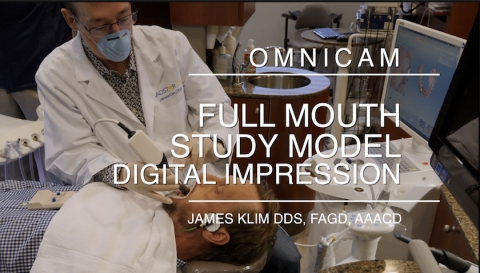
The technique I use takes about two and one-half minutes for upper and lower arches and it does not gag the sensitive patient. For two years now, we have taken Onmicam impressions for study model and appliance impressions in the Klim office. This video will clearly document the isolation approach and Omnican scanning flow to gain a predictable impression result. And by the way, using the technique proposed in this video provides a predictable upper and lower arch mount with just the buccal scan quadrant from one side. This approach is so much more effective than using the Ortho Software, at least at this point in time.
Submitted by James Klim DDS, CADStar host on 05/27/2018 - 12:18pm
Categories:
Submitted by James Klim DDS, CADStar host on 04/16/2018 - 4:32pm
Categories:
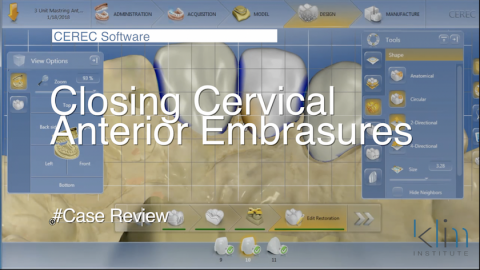
There are several steps taken both in the preparation phase and design phase for closing cervical interproximal "windows". When we understand the biology of the proximal papillae and the concept of interproximal emergence, we will be able to predictablely close the cervical embrasure with resulting healthy papillae. View Video
Submitted by James Klim DDS, CADStar host on 04/03/2018 - 10:24pm
Categories:
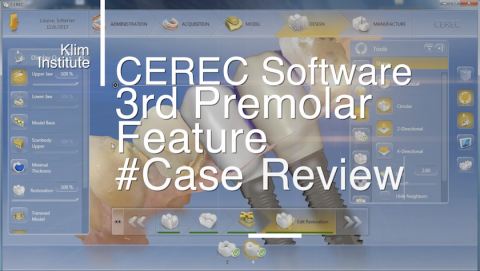
Finally found a need for the Adjust Morphology feature and create a 3rd premolar rather than molar. This feature is handy when there is not enough room for a molar morphological design due to mesial drift of distal tooth, a molar in this case, into the mesial edentulous zone. This video tutorial will also be a unique demonstration for designing two side-by-side implants. In this case Implant Direct Inactive 3.7 and 4.3 implants where placed using the "crown-down" technique and placed with a guide. Virtually planned and guided implant placement can take a difficult implant and restorative situation and provide a very
Submitted by James Klim DDS, CADStar host on 03/31/2018 - 10:28pm
Categories:
Are we able to machine thin feather margins with CEREC without chipping? Oh yes, we can! In fact, I am going to make a quality statement. We can mill a "pressable" margin with the MC XL using the EF bur system. This video will review the clinical criteria for applying a thin margin to optimize the aesthetic results. View Video
Submitted by James Klim DDS, CADStar host on 03/13/2018 - 6:47am
Categories:
It is so important to completely listen to our patients when they talk. This video case review documents how the patient was right and I was wrong after 30 years. Thanks to chairside CAD/CAM and multi-Empress, I was finally able to get it right. Incisal Variation Tool featured in the video. View Video
Submitted by James Klim DDS, CADStar host on 02/07/2018 - 6:56am
Categories:
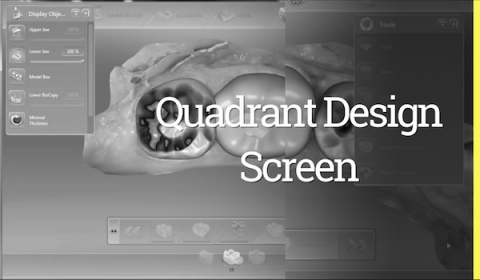
This video is my quadrant design strategy when preparing three posterior teeth including the distal occlusal stop (usually second molar). The current version of the CEREC software is performing well. When designing multiple teeth, setting the proximal contacts size and alignment to the occlusal plane will expedite the design process and final restorative outcome. Link to Video
Submitted by James Klim DDS, CADStar host on 01/10/2018 - 10:41am
Categories:

View the videos in this educational series—complete the CE questionnaire following the last video and you will then be promted to download your AGD verifications credit. Enjoy this series about tool efficiency. View Course
Submitted by James Klim DDS, CADStar host on 12/17/2017 - 9:45pm
Categories:
Bite registration strategy for preserving temporomandibular joint position when preparing a full quadrant including the second molar. View Video
Submitted by James Klim DDS, CADStar host on 12/13/2017 - 10:58am
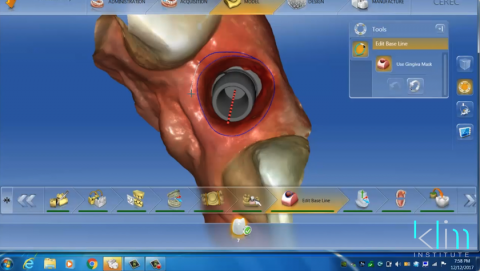
Case Reviews are provide for those cases uploaded to the Ask Dr. Klim Forum. This case is a review and demonstrates the principles about soft tissue implant emergence for anterior implant (thin tissue biotype). View Video
Submitted by James Klim DDS, CADStar host on 12/11/2017 - 10:43pm
With the current version of the CEREC software, the most effective scanning sequence for implant applications is scan the quadrant with or without the healing collar in the Quadrant catalogue for the particular arch being treated. The Scanbody catalogue is now used to capture the ScanPost scan. No copying the catalogue over and cutout feature for the ScanPost. Just a new Scanbody catalogue. Very smooth process and has expedited the scanning process. View Video